Get started with Dxtra
Dxtra replaces privacy consultants, enterprise compliance tools, and DIY templates with an AI-powered platform that generates a complete privacy program tailored to your business. Answer a questionnaire (~10 minutes), and Dxtra's AI engine produces your privacy notices, assessments, consent templates, and Transparency Center (~60 minutes) — covering 500+ obligations across 140+ countries.
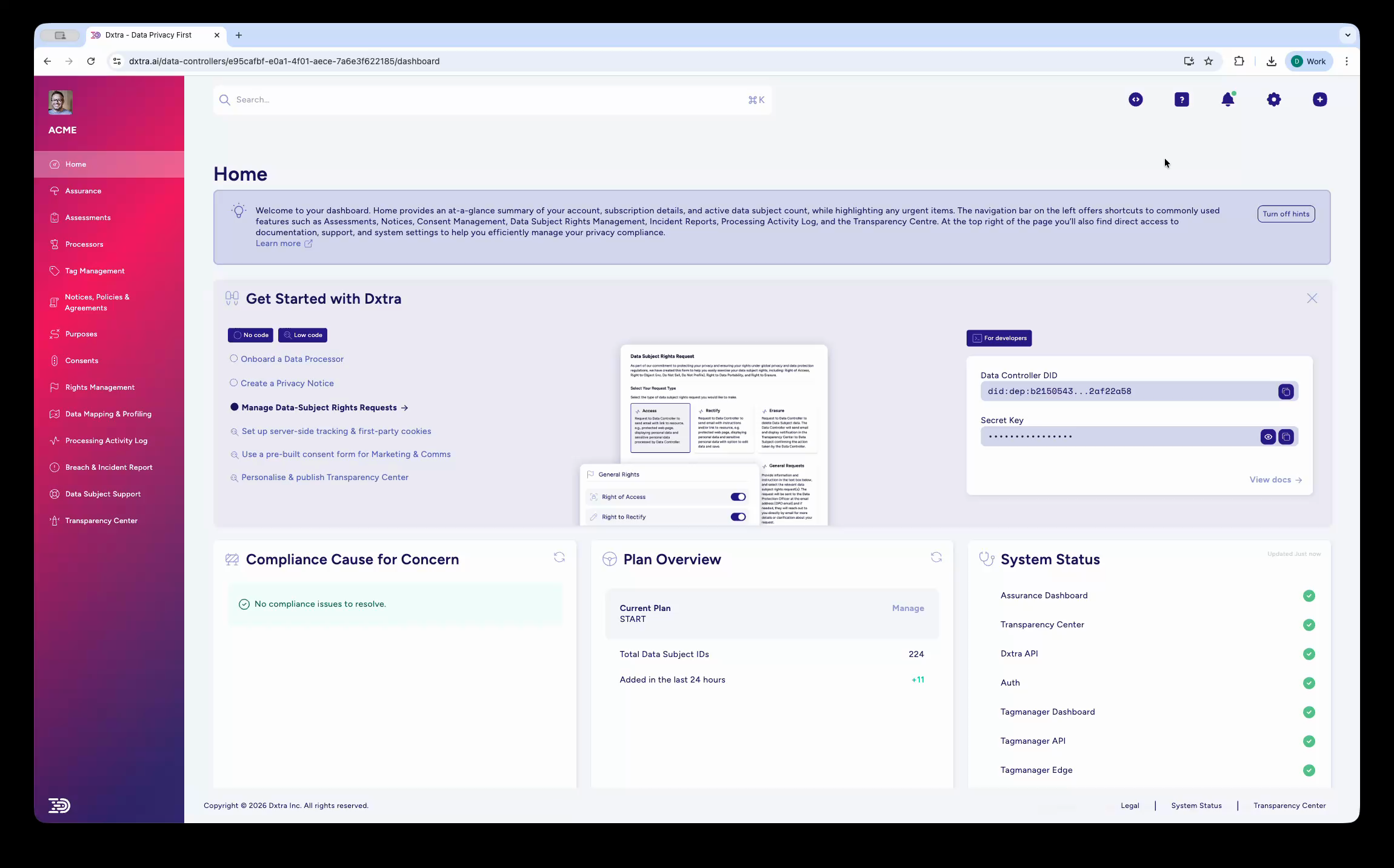
Overview and planning
Start here to understand what Dxtra does and how to structure your implementation.
-
Overview
Understand what Dxtra does, how the AI engine generates your privacy program, and what the three product pillars cover — Governance & Compliance, Automation & Operations, and Trust & Transparency.
-
Plan your implementation
Map your rollout to your role, compliance priorities, and timeline. Covers the four implementation phases, role-specific priorities, and integration planning.
Find your path
flowchart TD
    Start([I want to...]) --> Q1{Set up a privacy\nprogram from scratch?}
    Q1 -->|Yes| BO[Business Owner Quickstart]
    Q1 -->|No| Q2{Integrate Dxtra into\nmy application?}
    Q2 -->|Yes| DEV[Developer Quickstart]
    Q2 -->|No| Q3{Review compliance\nand manage assessments?}
    Q3 -->|Yes| DPO[DPO Quickstart]
    Q3 -->|No| Q4{Manage privacy for\nmultiple clients?}
    Q4 -->|Yes| AGE[Agency Quickstart]
    Q4 -->|No| TUT[Your First Privacy Program]

    click BO "business-owner-quickstart.html"
    click DEV "developer-quickstart.html"
    click DPO "dpo-quickstart.html"
    click AGE "agency-quickstart.html"
    click TUT "first-privacy-program.html"
Choose your quickstart
Select your role to jump into a guided quickstart:
-
Business Owner
Create your privacy program in 10 minutes. Complete a guided questionnaire, review your AI-generated compliance documents, and publish your Transparency Center — no technical knowledge required.
-
Developer
Get API credentials, make your first GraphQL query, deploy the Tag Manager for privacy-first analytics, and embed the Transparency Center into your application.
-
Data Protection Officer
Review AI-generated assessments, configure processing activities and legal basis, set up breach reporting workflows, and manage data subject rights requests.
-
Agency Partner
Onboard clients, manage multi-tenant privacy programs, and deliver compliance as a service across 10–50+ client accounts from a single dashboard.
Key concepts
Before diving in, here are the terms you'll see throughout the documentation:
- Data Controller
- Your organization — the entity that determines how and why personal data is processed. This is the primary account entity in Dxtra.
- Data Subject
- An identifiable person whose personal data you process — your customers, users, employees, or website visitors. Data subjects interact with your Transparency Center, not the dashboard.
- Processing Activities
- Article 30-compliant records documenting purpose, legal basis, data categories, recipients, international transfers, and retention periods for each way you use personal data.
- Transparency Center
- Your public-facing privacy portal where data subjects view your policies, manage consent preferences, and submit rights requests. Hosted on your subdomain or embedded as a web component.
- AI Regeneration
- When regulations change or your business context evolves, Dxtra's AI regenerates the relevant compliance documents. Regeneration quota varies by plan.
What to read next
Depending on what you need to do, here are the most common starting points beyond the quickstarts:
- Set up your Transparency Center — Transparency Center guide covers customization, embedding, and subdomain configuration
- Handle a data subject request — DSR Management guide walks through the request lifecycle with deadline tracking
- Add privacy-first analytics — Tag Manager guide covers installation, consent enforcement, and event tracking
- Integrate with your stack — Integrations overview lists pre-built connectors for Shopify, Stripe, HubSpot, Mailchimp, and more
- Explore the API — GraphQL API reference has authentication, queries, mutations, webhooks, and Custom Functions