Business Owner Quickstart
This guide walks you through creating a complete, AI-generated privacy program for your business. You'll answer a setup questionnaire (~10 minutes), then Dxtra's AI engine generates your full privacy program (~60 minutes) covering 500+ privacy obligations across 140+ countries.
No technical knowledge required. By the end, you'll have a live Transparency Center, privacy notices, assessments, and data subject rights management — all tailored to your business.
What you'll accomplish
- Create your Dxtra account
- Complete the data controller setup wizard
- Select a plan and activate your account
- Let the AI generate your privacy program
- Review and approve your generated documents
- Publish your Transparency Center
Step 1: Create your account
Go to app.dxtra.ai and create your account.
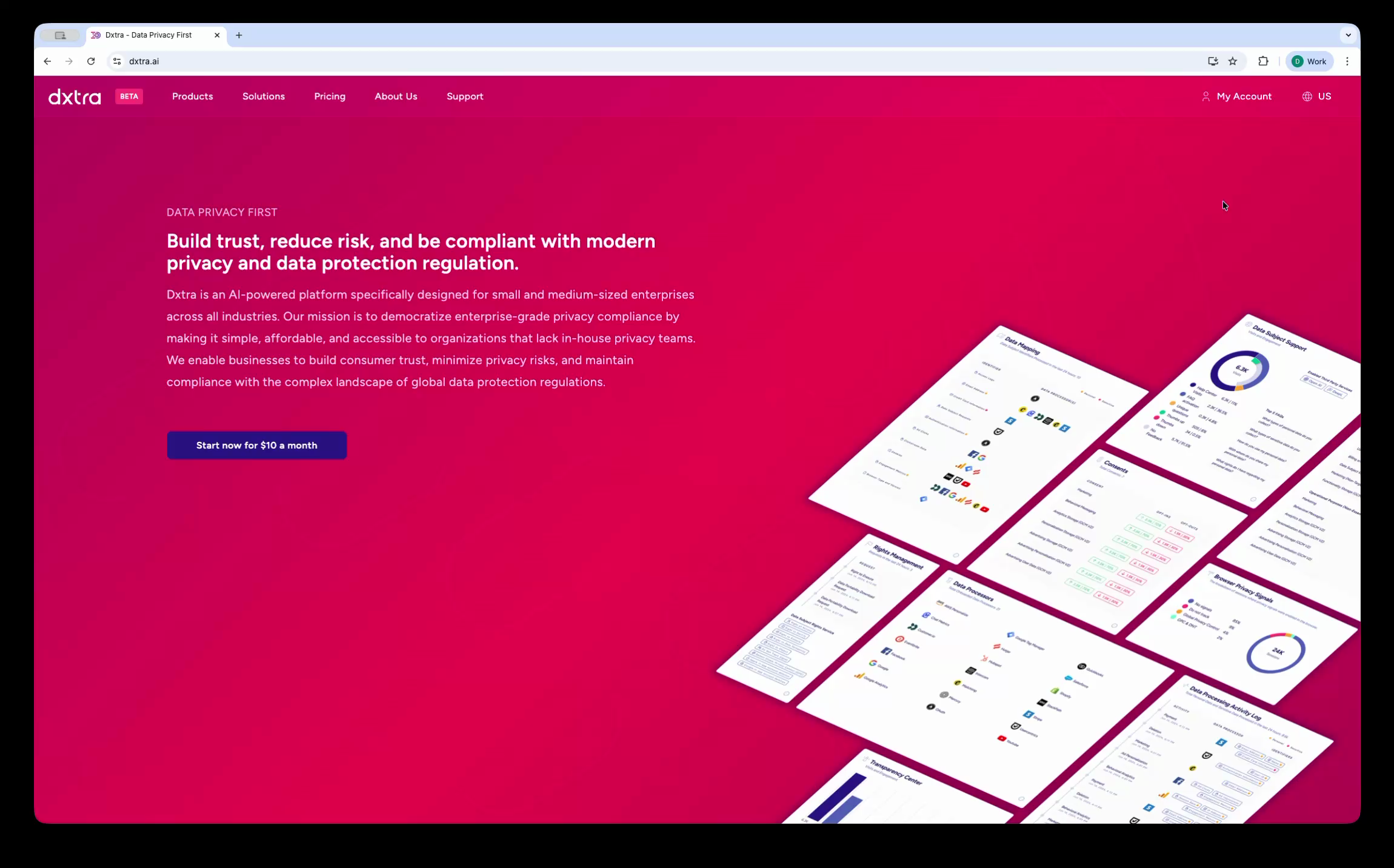
- Click Sign Up
- Enter your email address and create a password, or use Continue with Google for single-click registration
- Complete the reCAPTCHA verification
- Check your email inbox and click the verification link to activate your account
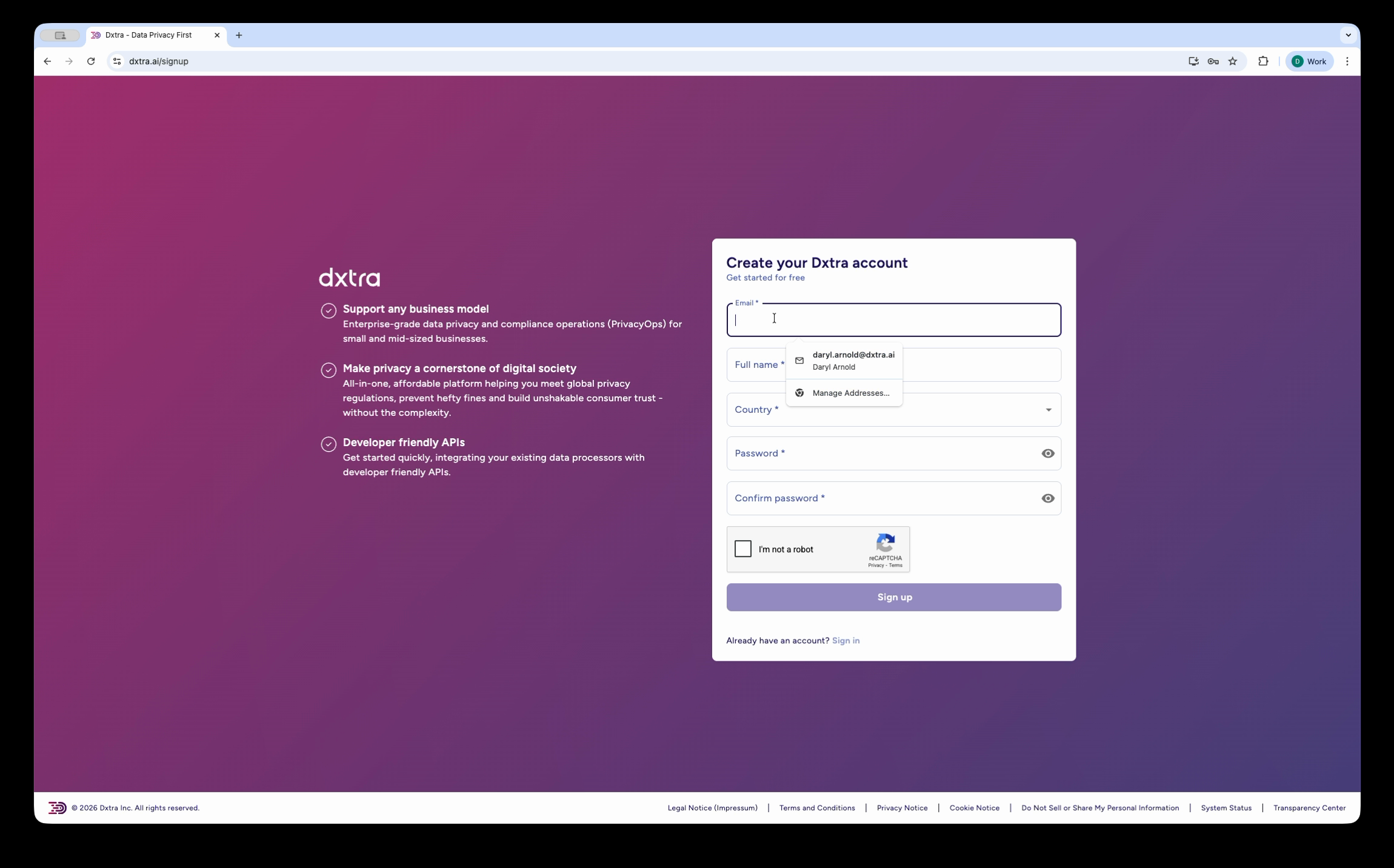
After verifying your email, you're redirected to the data controller setup wizard.
Step 2: Complete the setup wizard
The setup wizard collects the information Dxtra needs to generate your privacy program. It has five main steps and takes about 10 minutes to complete.
Define your organization type
Select whether your organization is a for-profit, non-profit, or other entity type. This determines which compliance frameworks and regulatory obligations apply.
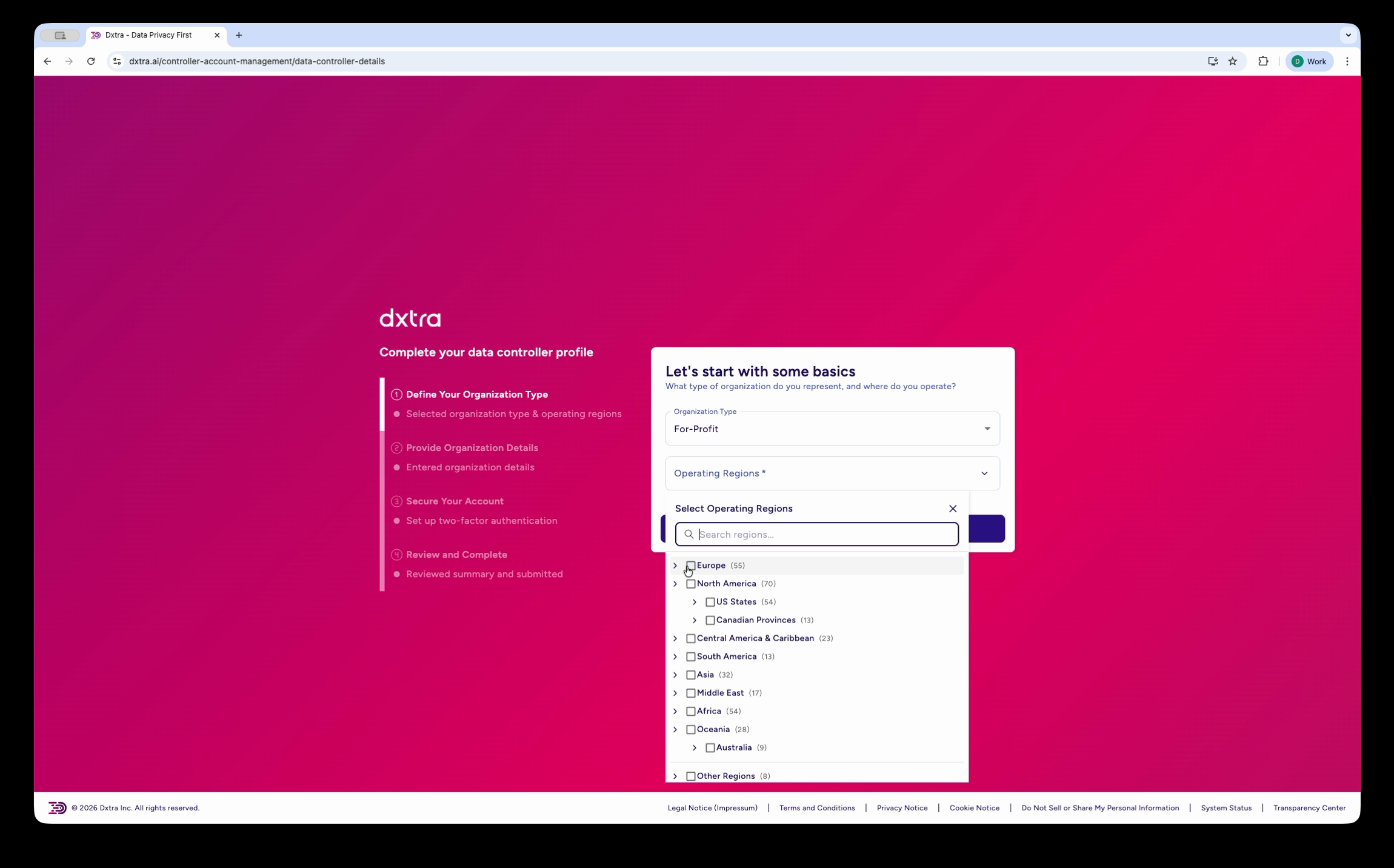
Select your operating regions
Choose every region where your business operates, serves customers, or has employees. Dxtra uses this to determine which privacy laws apply — GDPR for EU countries, CCPA/CPRA for California, PIPEDA for Canada, LGPD for Brazil, and so on across 140+ jurisdictions.
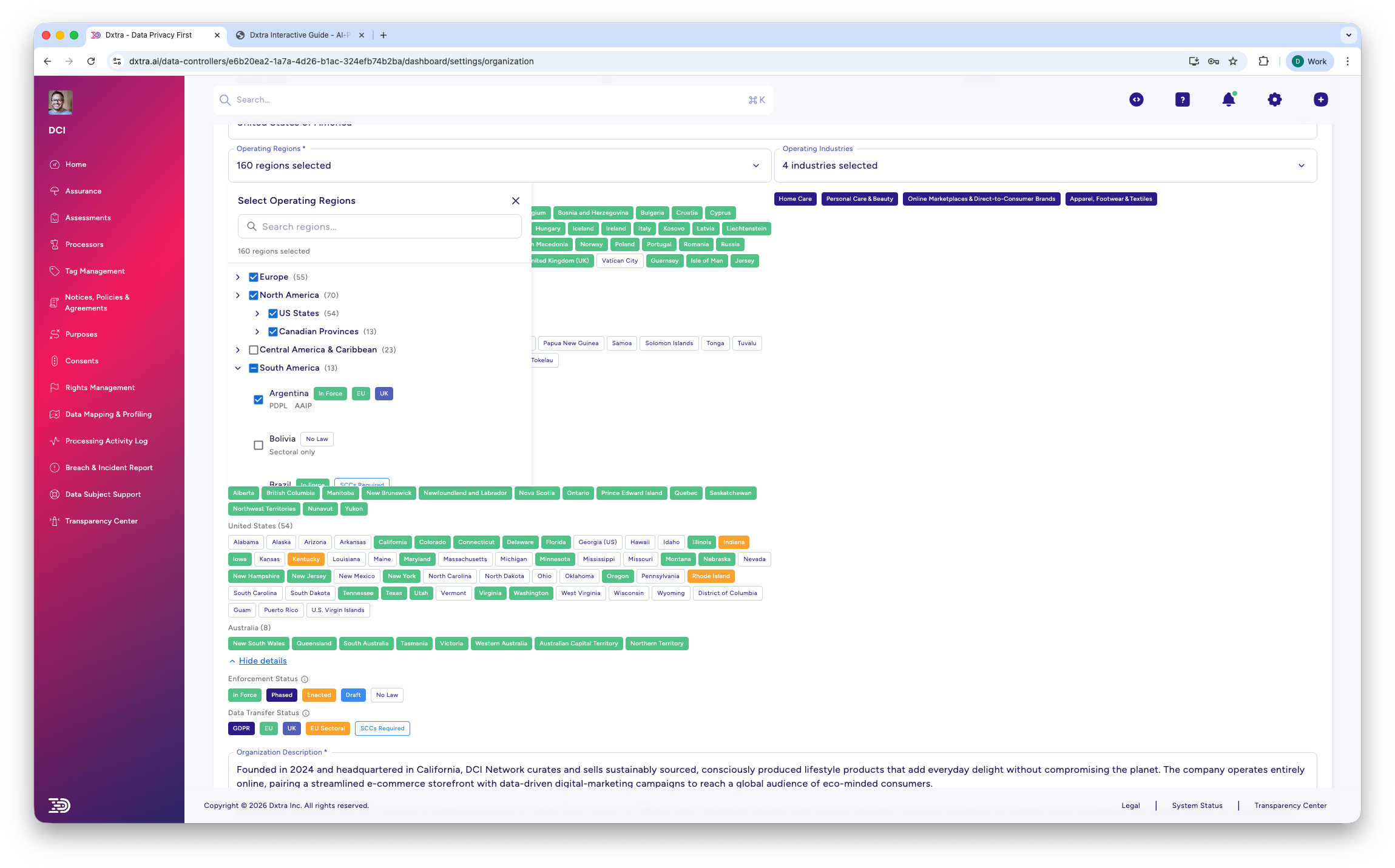
The region selector is grouped by geography (Europe, US States, Canadian Provinces, Asia, etc.) with a search bar for quick filtering. Selected regions appear as color-coded tags. You can select individual countries or entire regional groups.
When in doubt, include more regions
If you sell online and accept international orders, select all regions where your customers are located. Dxtra generates compliance documents for every jurisdiction you select, so broader coverage keeps you protected if your customer base grows.
Provide organization details
Enter your organization's legal details including legal name, address, timezone, and contact information.
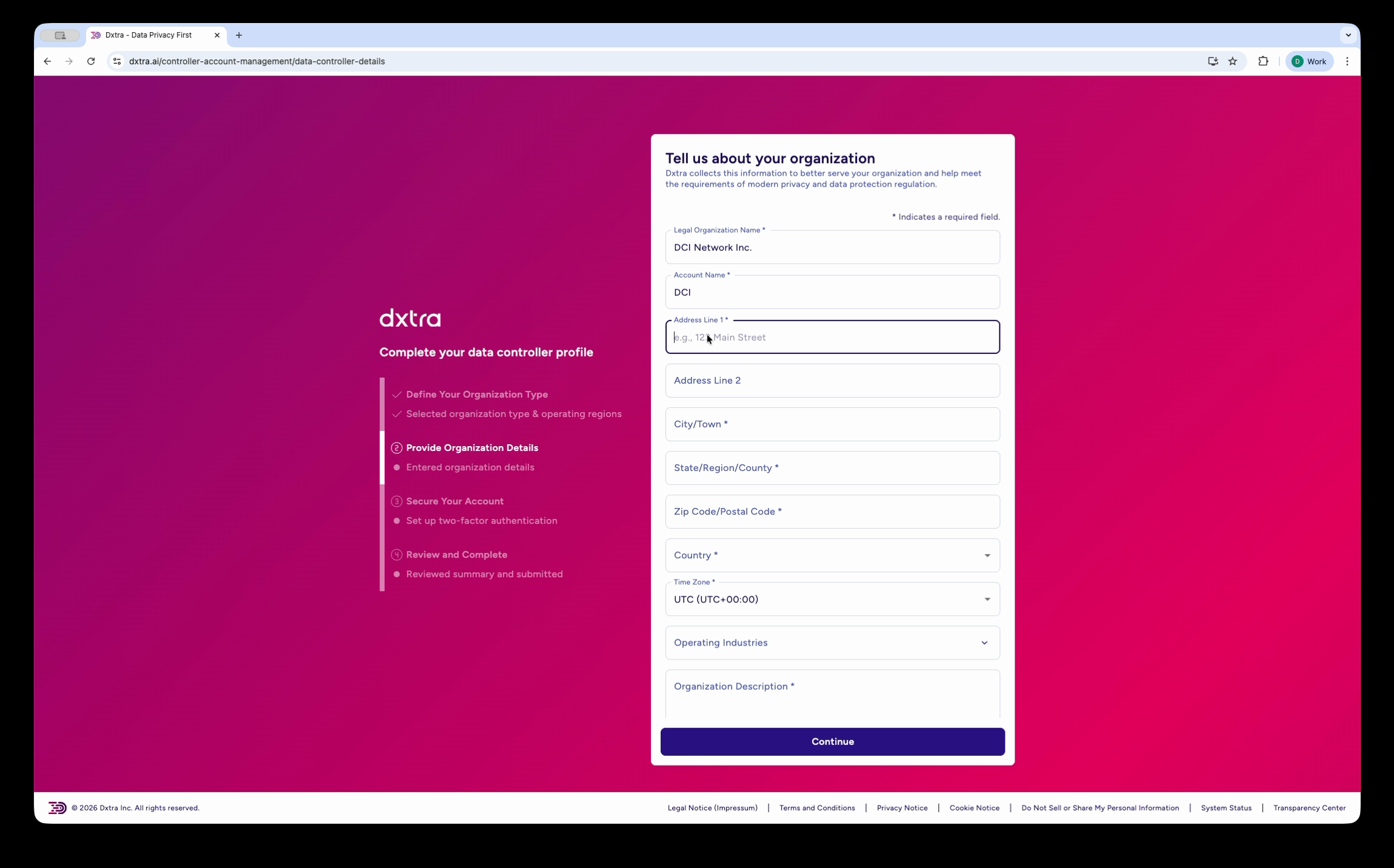
Required fields include:
- Legal organization name
- Account name (display name in the dashboard)
- Full postal address
- Country and timezone
- Operating industries (searchable multi-select with categories like E-Commerce, SaaS, Healthcare, etc.)
- Organization description
AI-assisted description
After selecting your industries, Dxtra can generate a description of your organization's data processing activities. You can edit this to be more specific, or write your own. The more accurate this description is, the better your generated privacy program will be.
Add company representatives
Enter contact details for key roles in your organization: CEO/Managing Director, CFO, CTO, General Counsel, and Data Protection Officer. If you don't have a DPO yet, Dxtra can help you determine whether your business requires one based on your processing activities and jurisdictions.
Review and submit
Review all the information you've provided. You can go back to any step to make changes. When everything looks correct, click Submit to proceed to plan selection.
Step 3: Select a plan and activate
After completing the setup wizard, choose the plan that fits your business. All plans include all 16 Dxtra capabilities — plans differ by domain count, AI regeneration quota, language support, and data subject volume.
| Plan | Price | Best for |
|---|---|---|
| Start | $10/mo | Solo businesses and startups with one domain |
| Growth | $25/mo | Growing businesses needing more regenerations and languages |
| Scale | $100/mo | Established businesses with larger data subject volumes |
| Enterprise | $1,000/mo | Multi-domain organizations with advanced needs |
The Start plan includes a 14-day money-back guarantee, so you can try Dxtra risk-free.
Payment is processed securely through Stripe. After payment, your account activates and Dxtra's AI engine begins generating your privacy program.
Step 4: Wait for AI generation
After activation, you'll see a confirmation that your AI-powered PrivacyOps engine is working. Generation takes approximately 60 minutes (complex businesses with many jurisdictions may take up to 2 hours).
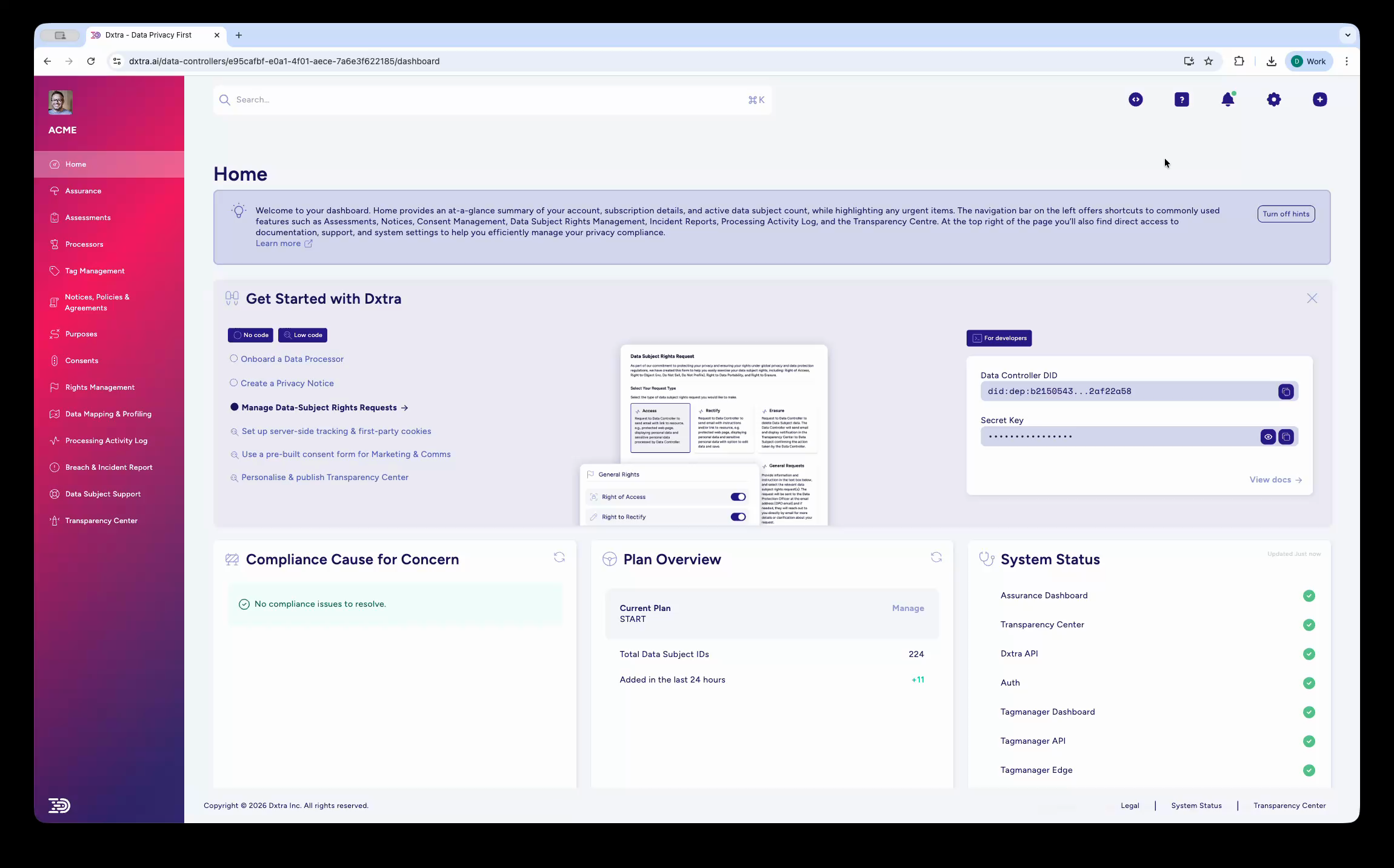
The AI engine generates:
- Privacy notices — Full, overview, and quick-look formats tailored to your jurisdictions
- Cookie policy — Specific to your website's data collection practices
- Data Protection Impact Assessments — Risk assessments for your processing activities
- Data processing agreements — Templates for your third-party processors
- Retention policies — Guidelines for how long you keep different data types
- Breach response plan — Steps to follow if a data breach occurs
- Consent templates — Ready-to-deploy consent language for your website
- Transparency Center content — Your public-facing privacy portal, pre-populated
You can close your browser and come back later. Dxtra sends you an email and an in-app notification when generation is complete.
Human review required
AI-generated content is never published automatically. Every document requires your review and approval before it goes live. This ensures accuracy and gives you full control over what represents your business.
Step 5: Review and approve your program
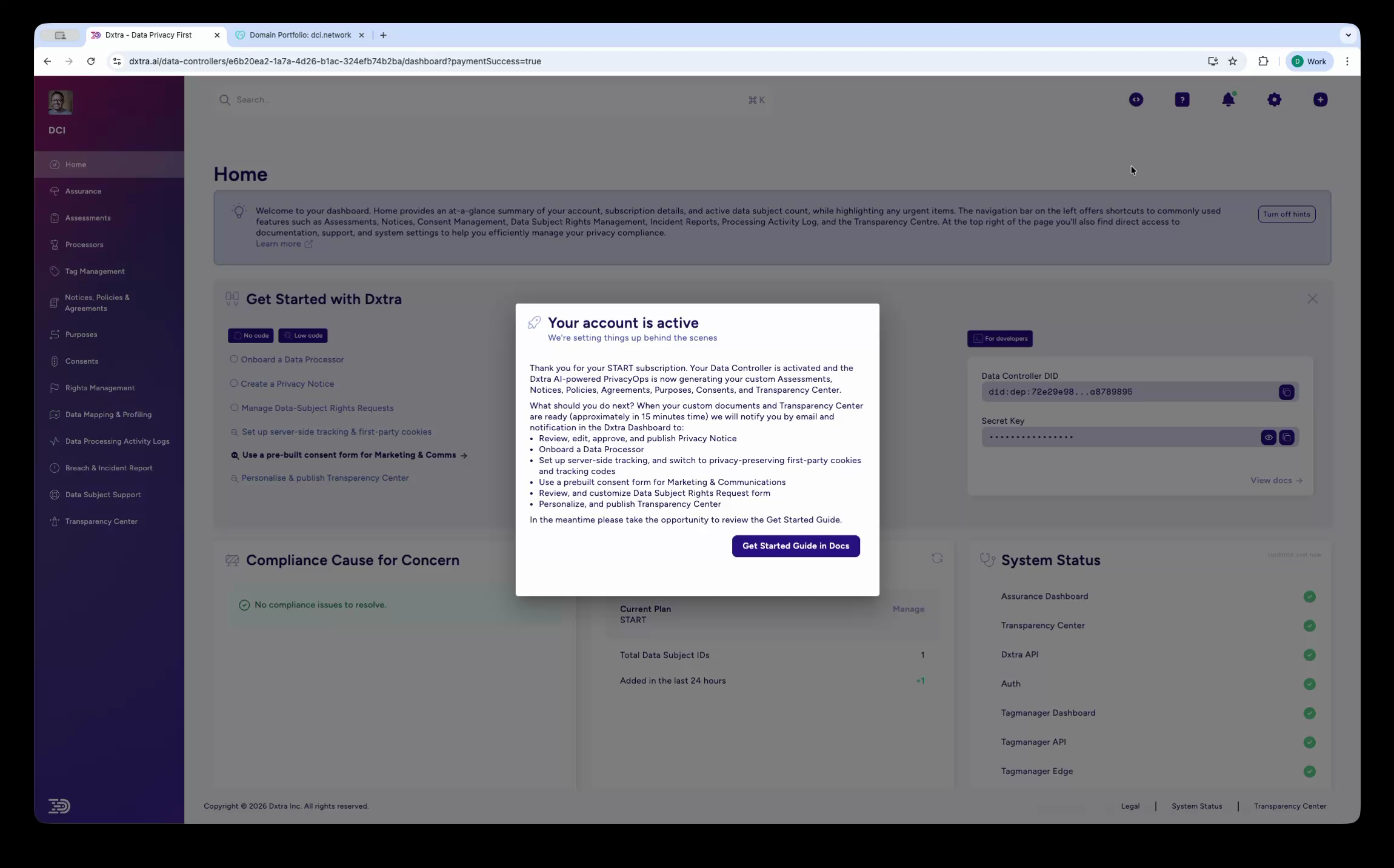
When generation is complete, the dashboard shows a checklist of items to review. Work through each section to verify the AI's output matches your actual business practices.
Review your privacy notices
Go to Notices, Policies & Agreements in the left sidebar. You'll see your privacy notices in three formats:
- Full privacy notice — The comprehensive legal document
- Privacy overview — A shorter summary for quick reference
- Quick-look notice — A brief, plain-language version
Read through each notice and verify that it accurately describes your data collection methods, the third parties you share data with, the jurisdictions you operate in, and your contact information for privacy inquiries.
Click Edit to make changes, then Save and Approve when satisfied.
Review processing purposes
Go to Purposes in the left sidebar. The AI has generated a list of your data processing activities based on your questionnaire answers and industry context. Each purpose includes:
- A description of the processing activity
- The categories of personal data involved
- The legal basis (consent, contract, legitimate interests, etc.)
- Data retention periods
Verify that these match your actual practices and add or remove purposes as needed.
Configure data processors
Go to Processors in the left sidebar. This is where you manage third-party services that process personal data on your behalf (payment processors, email marketing tools, analytics providers, CRM systems, etc.).
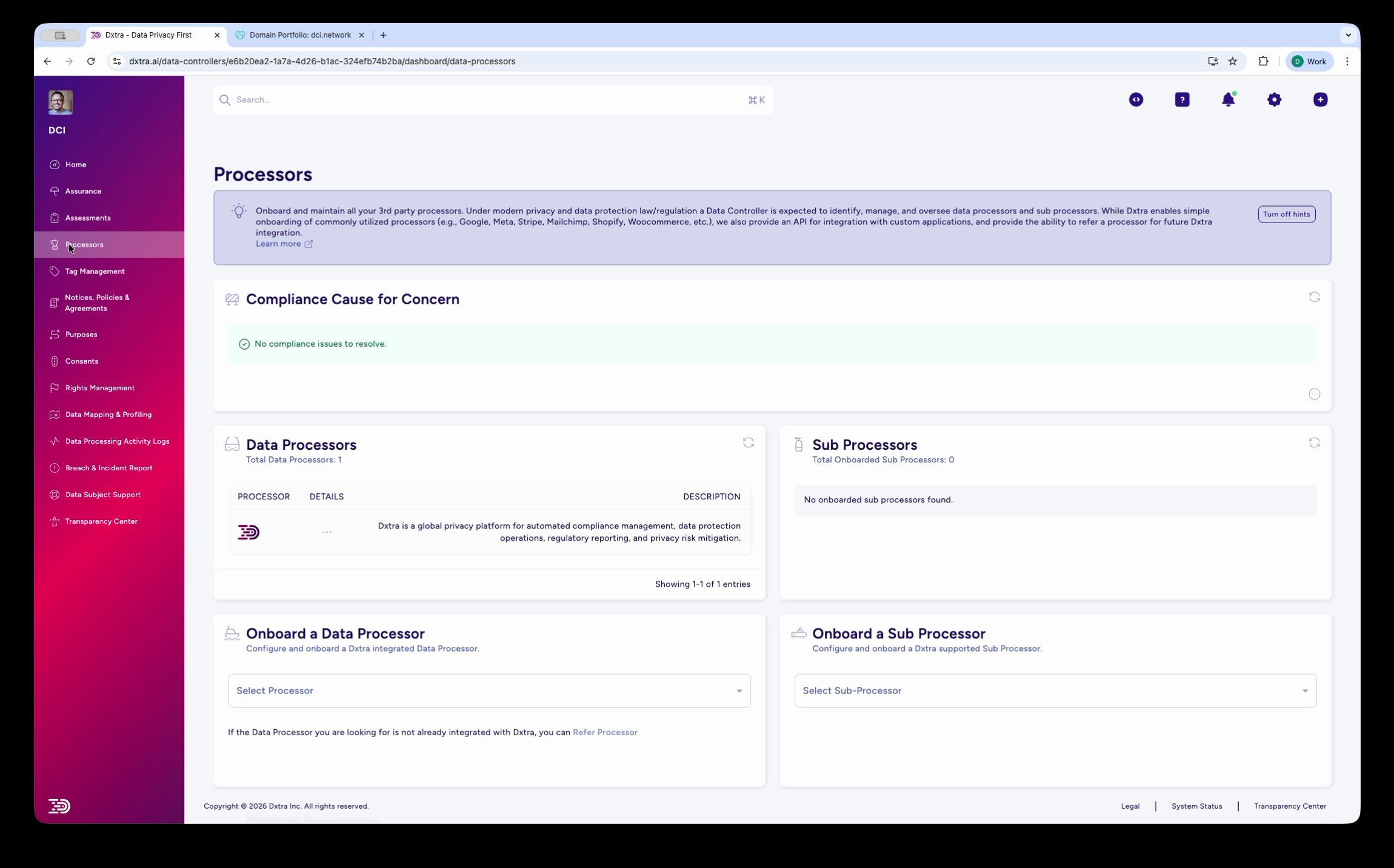
Dxtra includes pre-built integrations for common processors like Stripe, Shopify, Mailchimp, HubSpot, Google Analytics, and many more. Select a processor from the dropdown to configure it with your specific data sharing details, or click Add a Processor for services not yet in the library.
Step 6: Publish your Transparency Center
Your Transparency Center is the public-facing portal where your customers and users can view your privacy practices, manage their consent preferences, and submit data subject rights requests.
- Go to Transparency Center in the left sidebar
- Review the auto-populated content (pulled from your approved privacy notices and processing activities)
- Customize the branding — upload your logo, choose brand colors, and add your company tagline
- Click Publish
Your Transparency Center is available at a unique URL (e.g., transparencycenter.dxtra.ai/yourdomain.com). You can also configure a custom subdomain like privacy.yourbusiness.com or embed it directly into your website as a web component.
Add it to your website
Link to your Transparency Center from your website footer (near "Privacy Policy"), your email signatures, and your help center. This gives customers a clear path to understand and manage how you handle their data.
What you just did
You've set up a complete, AI-generated privacy compliance program:
- Created your Dxtra account and verified your email
- Completed the data controller setup wizard with your organization details, operating regions, and industry context
- Activated your subscription plan
- Received AI-generated privacy notices, assessments, consent templates, and more
- Reviewed and approved your generated documents
- Published your Transparency Center for customers to view your privacy practices
Your privacy program now covers the applicable regulations for every jurisdiction you selected, with documents you've reviewed and approved.
AI-generated content disclaimer
Dxtra's AI-generated documents are designed to help you establish a comprehensive privacy program efficiently. They do not constitute legal advice. For complex regulatory questions or high-risk processing activities, consult a qualified privacy attorney.
Next steps
Now that your program is live, here are the most common things to do next:
- Onboard your data processors
- Connect the third-party services your business uses (Stripe, Mailchimp, Shopify, etc.) so Dxtra can track data flows and keep your processing records accurate. See Processor Management.
- Set up consent management on your website
- Deploy consent banners and forms using the Tag Manager or pre-built consent form templates. See Consent Management.
- Prepare for data subject requests
- Familiarize yourself with the rights request workflow so you're ready when a customer asks to access, correct, or delete their data. See DSRR Management.
- Invite your team
- Add team members (legal, compliance, support) by going to Settings → Team → Invite Members. Each member gets role-based access.
- Enable two-step authentication
- Secure your account with 2FA and security keys. Go to My Account → Security.
Need help?
- Dashboard questions — Click Help in the sidebar to access the support center
- Product capabilities — Browse the full documentation by pillar
- Developer on your team? — Share the Developer Quickstart with them
- Compliance questions — Share the DPO Quickstart with your compliance lead
Not legal advice
AI-generated content does not constitute legal advice. Consult a qualified legal professional for advice specific to your jurisdiction and business context.