Create an account
Sign up for Dxtra and activate your subscription in a few minutes.
What you need
- A work email address (this becomes your login credential)
- A strong password (8+ characters, mixed case, numbers)
Sign up
Navigate to dxtra.ai and click Start now for $10 a month.
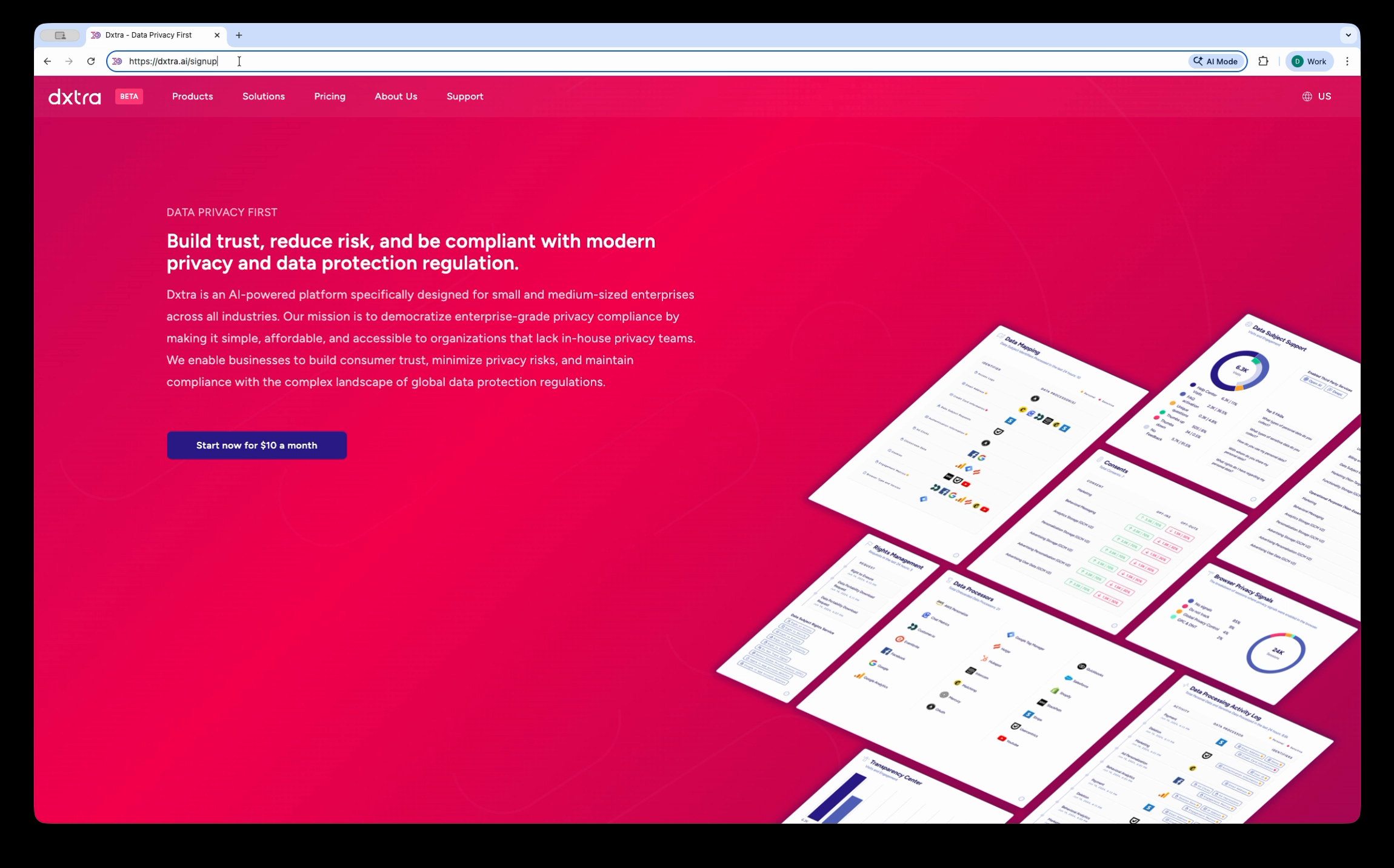
The Dxtra homepage at dxtra.ai with the "Start now for $10 a month" call-to-action button.
You'll see a registration form. Fill in the required fields:
- Email — Your work email address
- Full Name — Your name as it appears in your organization
- Country — Where your organization is based
- Password and Confirm Password — Choose a strong password
Complete the reCAPTCHA verification and click Sign up.
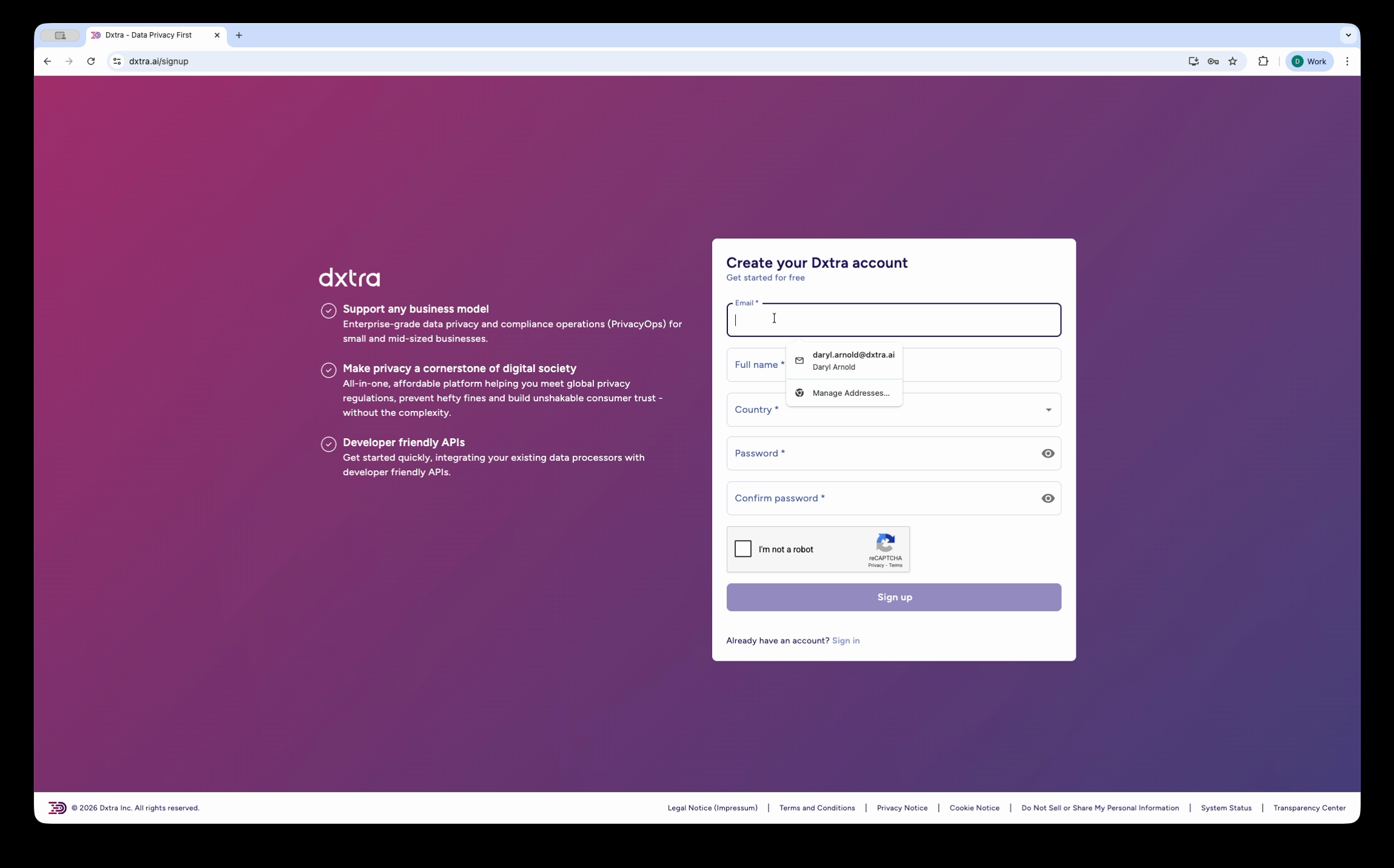
The sign-up form showing fields for email, Full Name, Country, Password, Confirm Password, and reCAPTCHA verification.
Verify your email
A verification email is sent to the address you registered with. Open it and click the verification link to confirm your account.
Tip
If you don't see the email, check your spam folder. You can request a new verification email from the login page if the original link expires (valid for 24 hours).
Choose your subscription plan
After verification, select the plan that fits your organization:
| Plan | Price | Domains | AI Regenerations | Languages | Data Subject IDs |
|---|---|---|---|---|---|
| Start | $10/mo | 1 | 1/month | EN +1 | Up to 50K |
| Growth | $25/mo | 1 | 2/month | EN +2 | Up to 200K |
| Scale | $100/mo | 1 | 3/month | EN +3 | Up to 1M |
| Enterprise | $1,000/mo | 10 | 10/month | EN +10 | Up to 100M |
All 16 platform capabilities are included in every plan. You can upgrade or downgrade anytime. The Start plan includes a 14-day money-back guarantee — cancel within 14 days for a full refund.
What happens next
After payment processing, Dxtra creates your workspace and routes you to the Data Controller Profile wizard. This 5-step setup captures your organization details so the AI engine can generate your compliance framework.
The full onboarding flow takes approximately 10 minutes.
Not legal advice
AI-generated content does not constitute legal advice. Consult a qualified legal professional for advice specific to your jurisdiction and business context.
Next steps
- Complete your data controller profile — The 5-step setup wizard
- Workspace onboarding overview — Full onboarding walkthrough